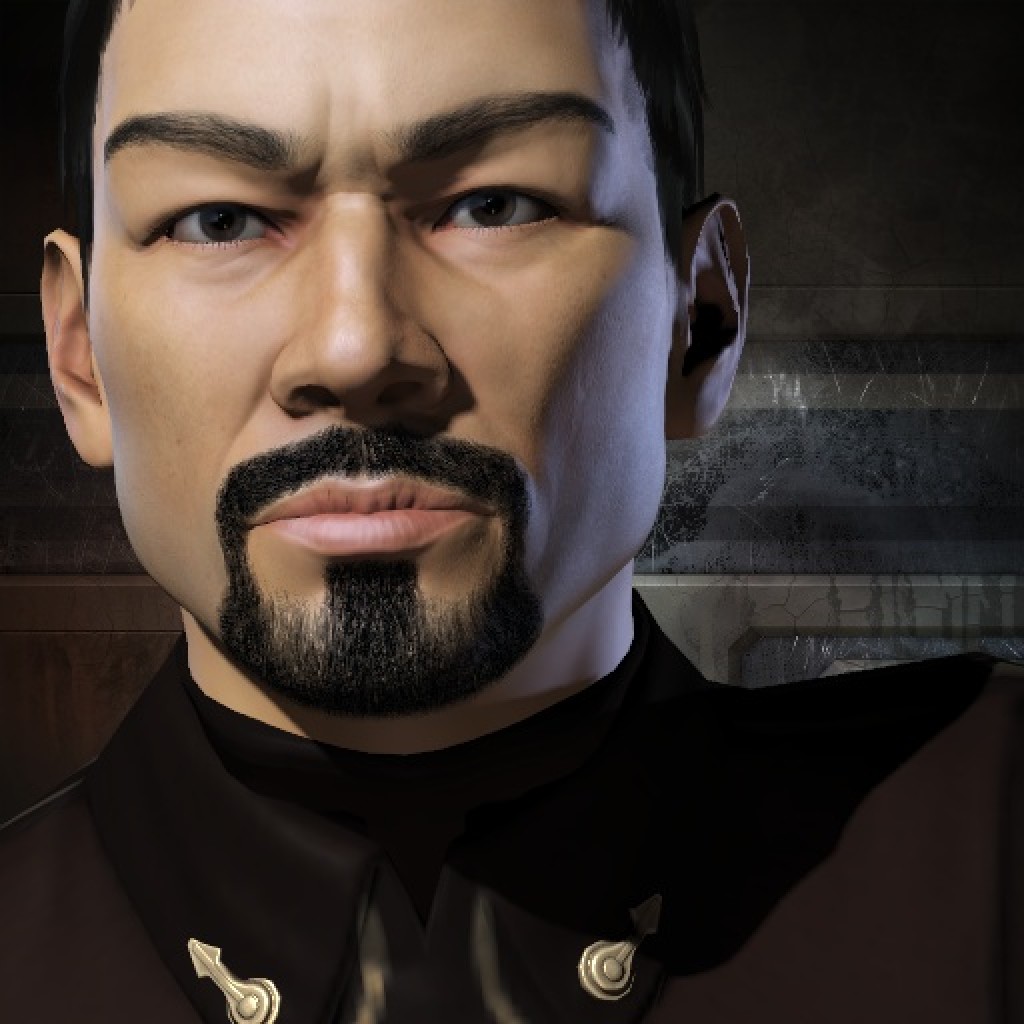
Skith
 State War Academy [SWA]
 Last ActiveJun 28, 2012
BirthdayMay 6, 2006 (20 years old)
Next BirthdayMay 6, 2027 (203 days)

Combat
Kills9
Losses15
Efficiency38%
Danger Ratio100%
ISK
Destroyed185.72m
Lost46.71m
ISK Efficiency80%
Balance+139.02m
Solo
Solo Kills0
Solo Ratio0%
Final Blows1
Combat Points9
Other
NPC Losses0
NPC Loss Ratio0%
Avg Kills/Day0.00
ActivityInactive
Loading valuable kills…
Ship ClassesLoading…
Bio
SET D-SCAN TO AUTO GUIDE:
======================================
D-SCAN is an annoying by required part of flying in J-Space / Wormoles and and avoiding ganks. It requires repetitive button pressing every few seconds and is a needless part of the game that detracts from the fun.
Follow this guide and you'll never have to press the D-Scan button again.
1) Modify your eve keys in settings
- Remove F11 as a key that is used by anything
- make F10 key to "Directional Scan"
2) Make D-Scan show up permanatly ontop of every window
https://youtu.be/56Yx7nDJlAM?si=1Hbt10ZTbpaqusMI&t=44
3) Download and Install Autohotkey v2.0
https://www.autohotkey.com/
4) Create a new script using the text below:
#Requires AutoHotkey v2.0
F11:: {
static toggled := false
Loopme(){
SendInput "{F10 down}"
Sleep 10
SendInput "{F10 up}"
}
if toggled := !toggled
SetTimer(Loopme, 5000)
else
SetTimer(Loopme, 0)
}
5) Execute the script by double-clicking on it
6) To Use, press F11 and D-scan will start triggering automatically every 5 seconds. Press F11 again to turn off.
======================================
D-SCAN is an annoying by required part of flying in J-Space / Wormoles and and avoiding ganks. It requires repetitive button pressing every few seconds and is a needless part of the game that detracts from the fun.
Follow this guide and you'll never have to press the D-Scan button again.
1) Modify your eve keys in settings
- Remove F11 as a key that is used by anything
- make F10 key to "Directional Scan"
2) Make D-Scan show up permanatly ontop of every window
https://youtu.be/56Yx7nDJlAM?si=1Hbt10ZTbpaqusMI&t=44
3) Download and Install Autohotkey v2.0
https://www.autohotkey.com/
4) Create a new script using the text below:
#Requires AutoHotkey v2.0
F11:: {
static toggled := false
Loopme(){
SendInput "{F10 down}"
Sleep 10
SendInput "{F10 up}"
}
if toggled := !toggled
SetTimer(Loopme, 5000)
else
SetTimer(Loopme, 0)
}
5) Execute the script by double-clicking on it
6) To Use, press F11 and D-scan will start triggering automatically every 5 seconds. Press F11 again to turn off.
Dashboard
Stats
No activity in the selected period
Loading intel…